Metadata API
Mythradon provides access to it's metadata via the REST API using the GET /api/v1/metadata endpoint.
The Metadata API returns a JSON data structure that includes details of entities that the authenticated user has access to.
This metadata can be useful for creating external applications that want to access the field definitions on entities, screen layouts etc.
Retrieving Entity Field Definitions
The JSON metadata response includes details of the Entity defintions under the path /entityDefs. For example /entityDefs/Account will provide
Retrieving Entity Layout Definitions
Entity layout definitions are not included in the metadata JSON retrieved from the general metadata endpoint. To access layout information (such as field configurations for list or detail views), you must make separate API requests.
Layout Retrieval Endpoint
- Replace
<entityName>with the name of the entity (i.e.Account,Contact,CaseObj,Lead). - Replace
<layoutName>with one of the standard layout types listed below.
Standard Layout Names
| Layout Name | Description |
|---|---|
bottomPanelsDetail |
Defines the panels displayed beneath the main record detail view. |
detail |
Defines the layout for the full record detail page. |
detailSmall |
Defines a compact detail view, typically used in related record dialogs or embedded views. |
filters |
Defines the fields available in the search and filter panel. |
kanban |
Defines the layout used when displaying records in Kanban view. |
list |
Defines the columns displayed in the primary list view. |
listSmall |
Defines a compact list layout, commonly used in related panels and sidebars. |
massUpdate |
Defines the fields available when performing a mass update operation. |
sidePanelsDetail |
Defines the panels displayed alongside the detail view, such as split-view or quick-access panels. |
sidePanelsEdit |
Defines the panels displayed alongside the detail view when in edit mode. |
These layout definitions are useful for building dynamic UI components or integrating deeply with Mythradon’s interface logic.
Retrieving Layout Definitions for Account Entity
You can retrieve specific layout definitions for any entity type via the Mythradon API. Below are examples for the Account entity, including the List, List Small, and Detail views.
Each layout request returns a structured JSON array describing the layout configuration used in the user interface.
Account List View
The List View defines the columns displayed in the main Account list page. To retrieve this layout:
curl -X GET https://<your-Mythradon-domain>/api/v1/Account/layout/list \
-H 'Content-Type: application/json' \
-H 'X-Api-Key: <Your API Key>'
Example Layout Preview
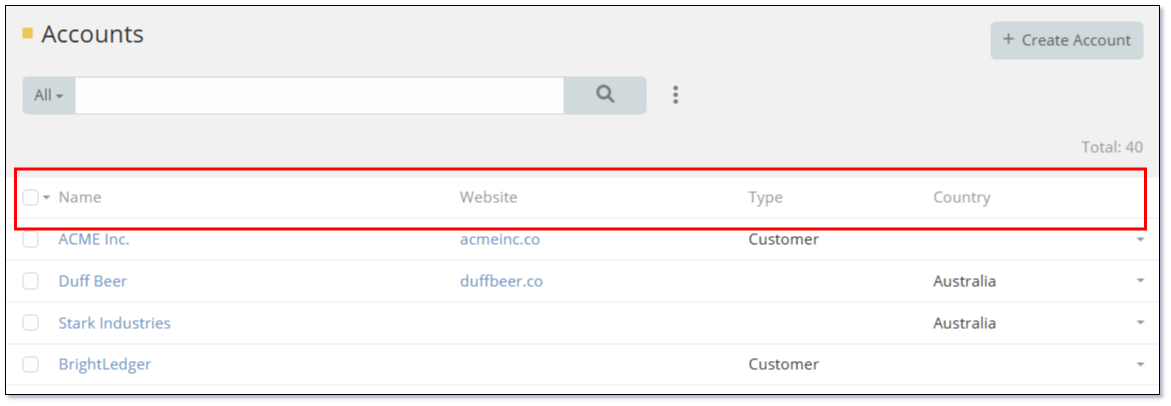
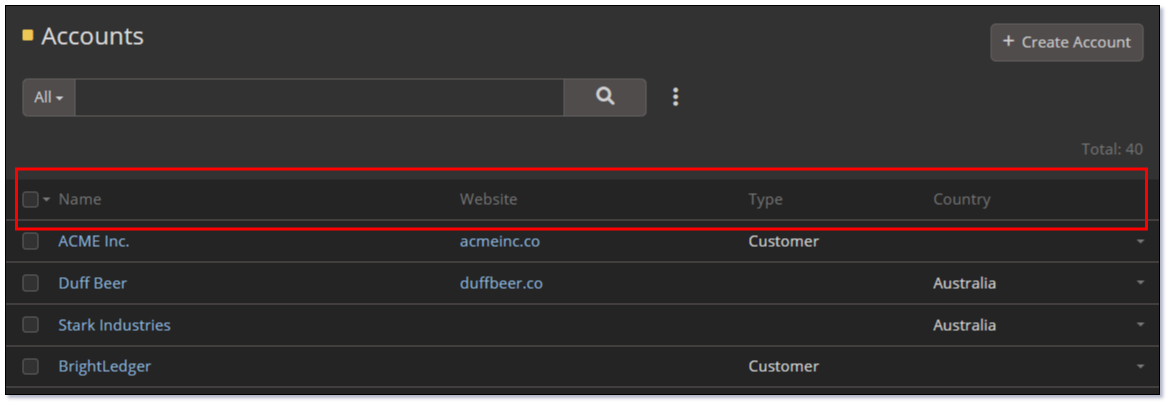
Example Response
| Account List View | |
|---|---|
Account List Small View
The List Small View is a compact version of the list layout, typically used in popup dialogs such as picklist selectors.
To retrieve this layout:
curl -X GET https://<your-Mythradon-domain>/api/v1/Account/layout/listSmall \
-H 'Content-Type: application/json' \
-H 'X-Api-Key: <Your API Key>'
Example Layout Preview
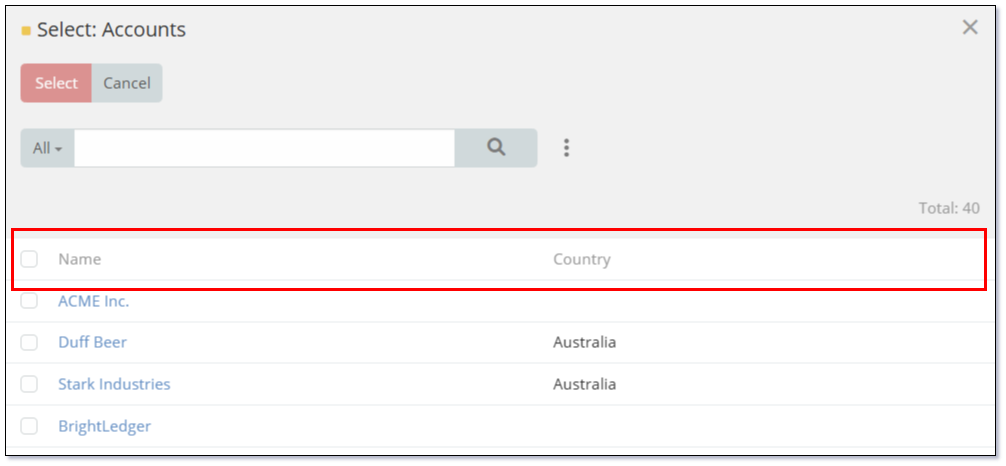
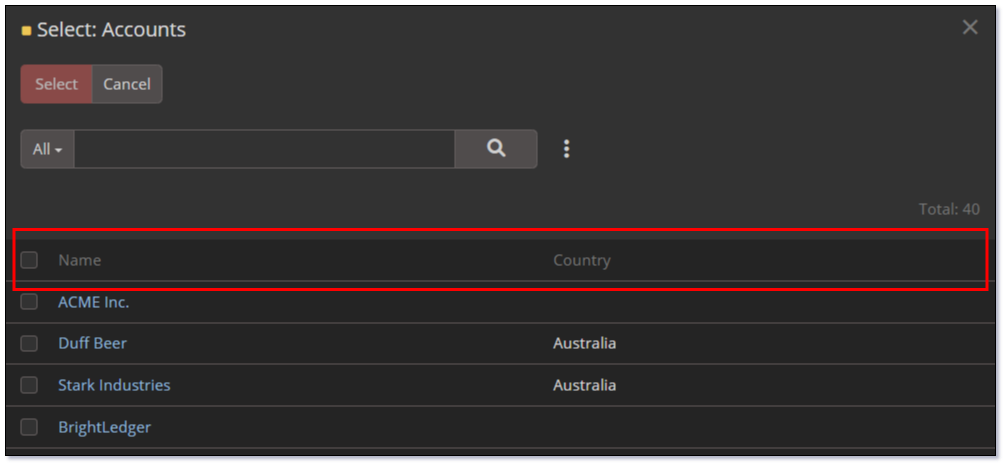
Example Response
| Account List Small View | |
|---|---|
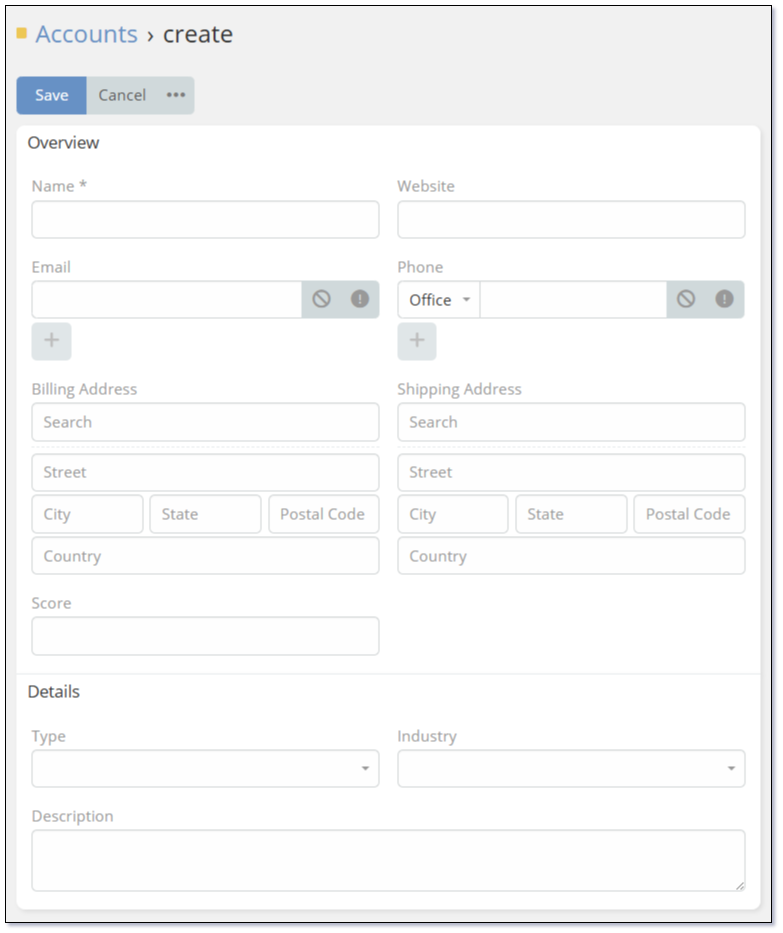
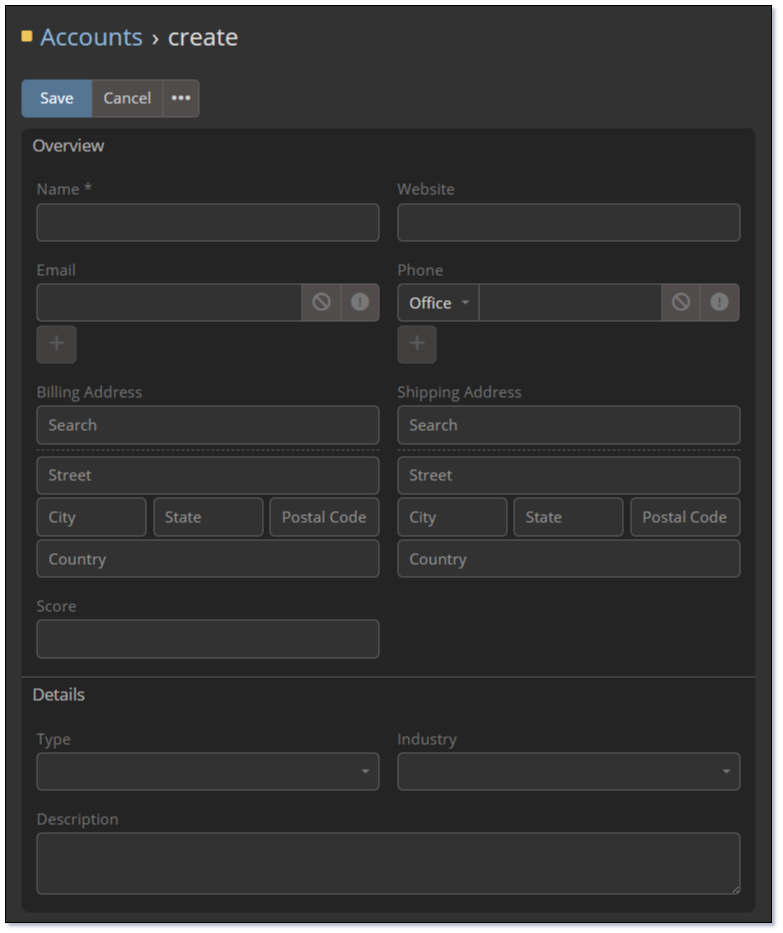
Account Detail View
The Detail View layout defines the main form shown when viewing an Account record.
To retrieve this layout:
curl -X GET https://<your-Mythradon-domain>/api/v1/Account/layout/detail \
-H 'Content-Type: application/json' \
-H 'X-Api-Key: <Your API Key>'
Example Layout Preview
Example Response
Metadata
The Mythradon metadata can be retrieved via the REST API using the following end point:
Example
curl -X GET https://<your-Mythradon-domain>/api/v1/Metadata/ \
-H 'Content-Type: application/json' \
-H 'Espo-Authorization: <Your API User API Key>' > metadata.json
The Mythradon metadata contains:
- Client Definitions -
- Entity Definitions - Includes field definitions and data types
- Scope Defintions for Roles
Layout Metadata
The Mythradon metadata describing the fields in the different layouts can be retrieved via separate GET requests:
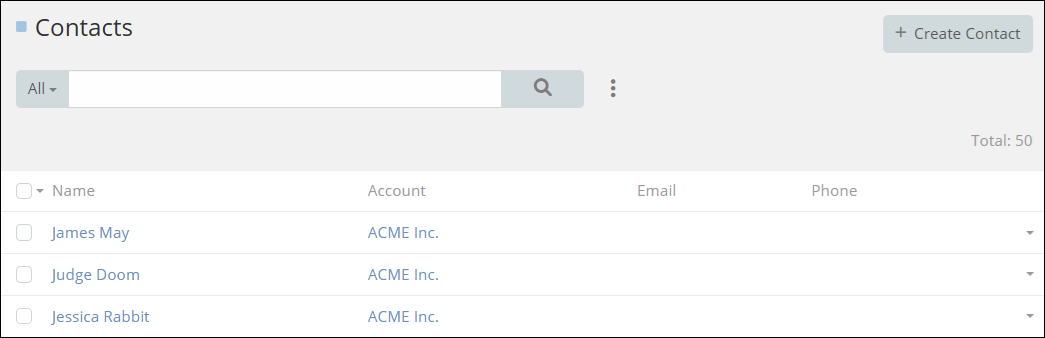
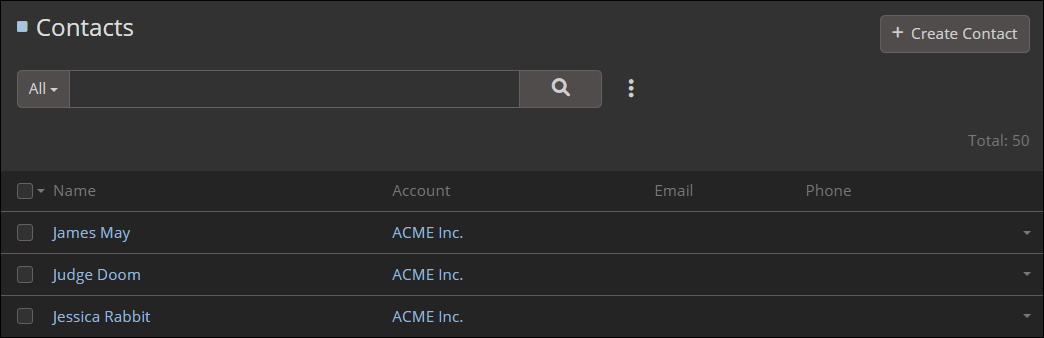
List View Layout Metadata
The metadata describing the fields in a list view layout can be retrieved using:
Example
[
    {
        "name": "name",
        "link": true
    },
    {
        "name": "account",
        "width": 25
    },
    {
        "name": "emailAddress",
        "notSortable": true,
        "width": 20
    },
    {
        "name": "phoneNumber",
        "notSortable": true,
        "width": 18
    }
]
Detail View Layout Metadata
The metadata describing the fields displayed in a detail view layout can be retrieved using:
Example
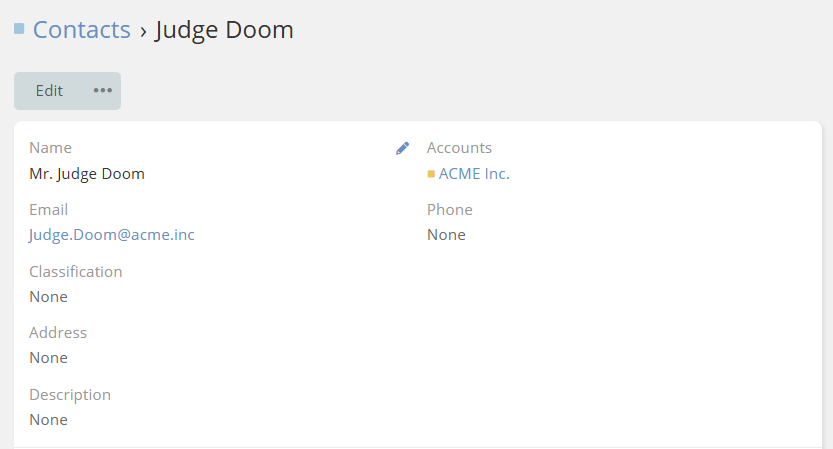
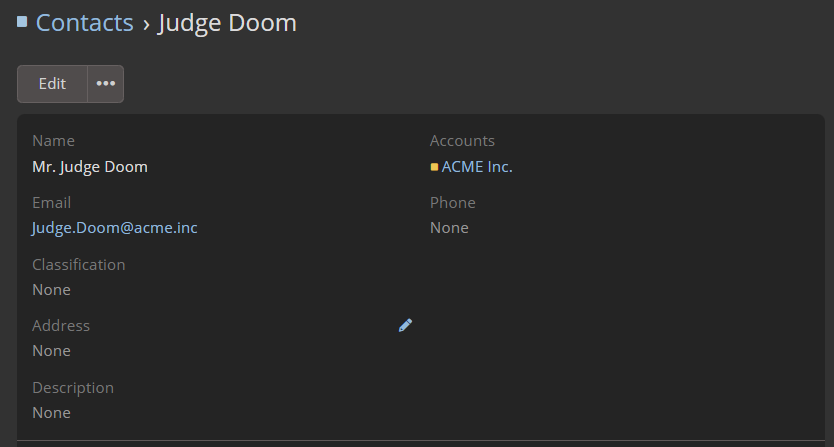
[
    {
        "rows": [
            [
                {
                    "name": "name"
                },
                {
                    "name": "accounts"
                }
            ],
            [
                {
                    "name": "emailAddress"
                },
                {
                    "name": "phoneNumber"
                }
            ],
            [
                {
                    "name": "classificationCust"
                },
                false
            ],
            [
                {
                    "name": "address"
                },
                false
            ],
            [
                {
                    "name": "description"
                }
            ]
        ],
        "style": "default",
        "label": ""
    }
]
Bottom Panels Detail
The metadata describing the related entities and how they are displayed in the bottom panels can be retrieved using:
Example
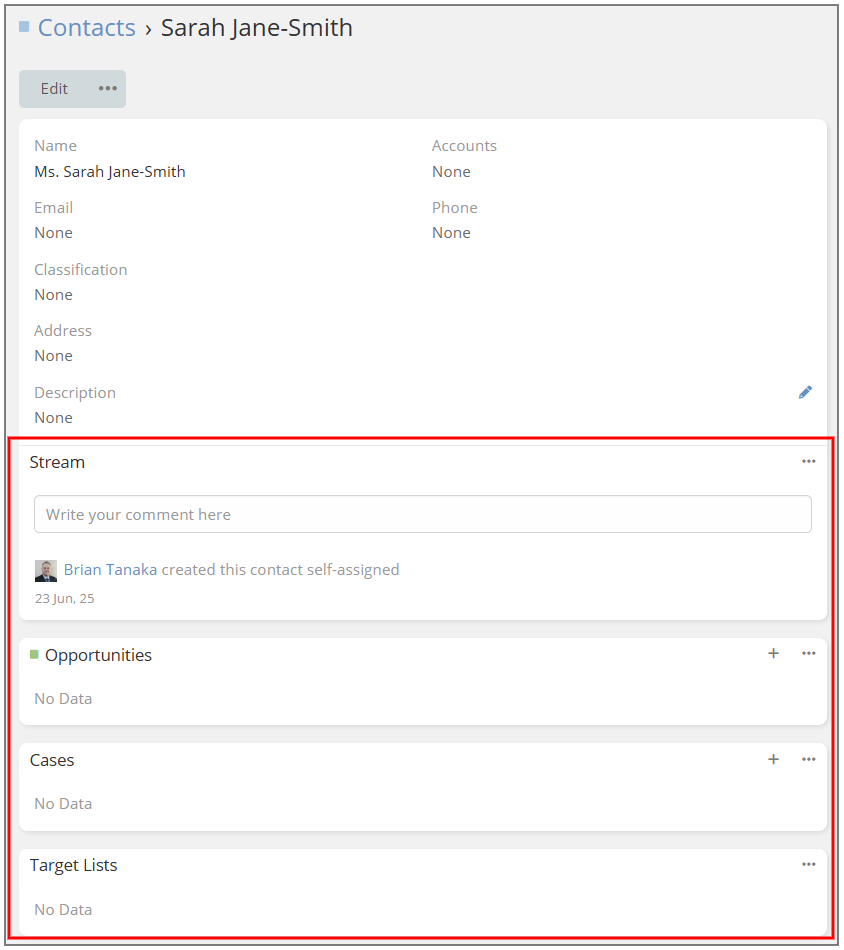
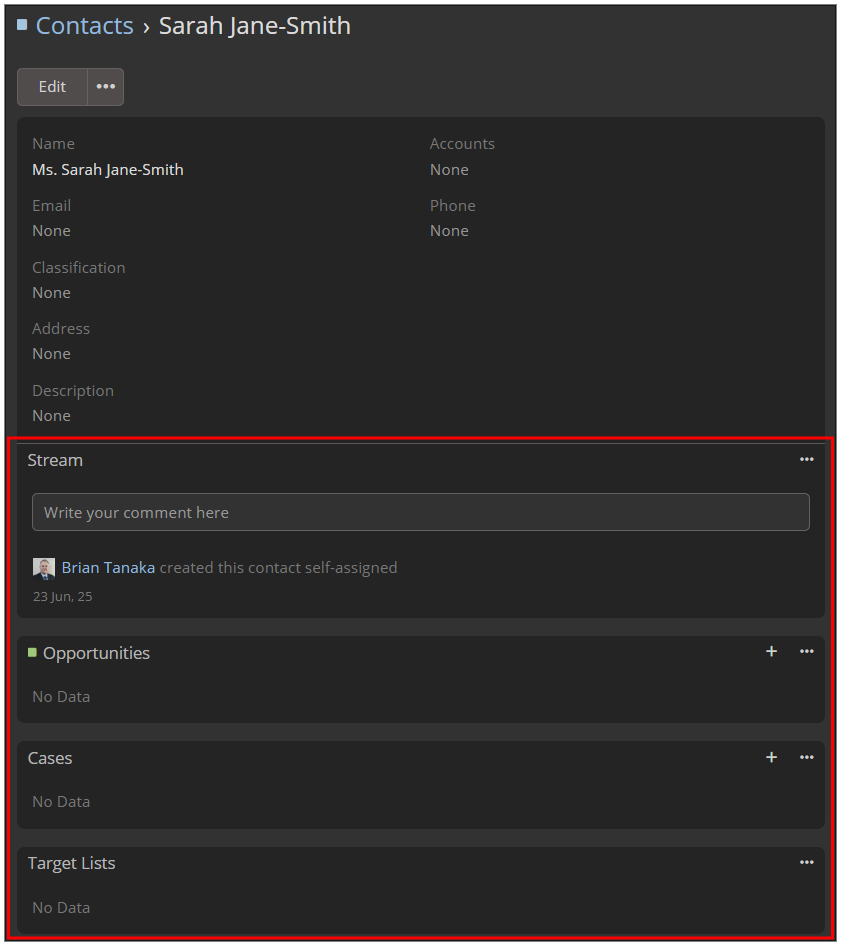
{
    "_delimiter_": {
        "disabled": true
    },
    "stream": {
        "sticked": true,
        "index": 0
    },
    "opportunities": {
        "index": 1
    },
    "cases": {
        "index": 2
    },
    "targetLists": {
        "index": 3
    }
}
See also
API Client Examples:
- JavaScript API Client
- PHP API Client
- Mythradon Marketing
- Mythradon Sales
- Mythradon Service
- Mythradon System Administration
- Mythradon Tools