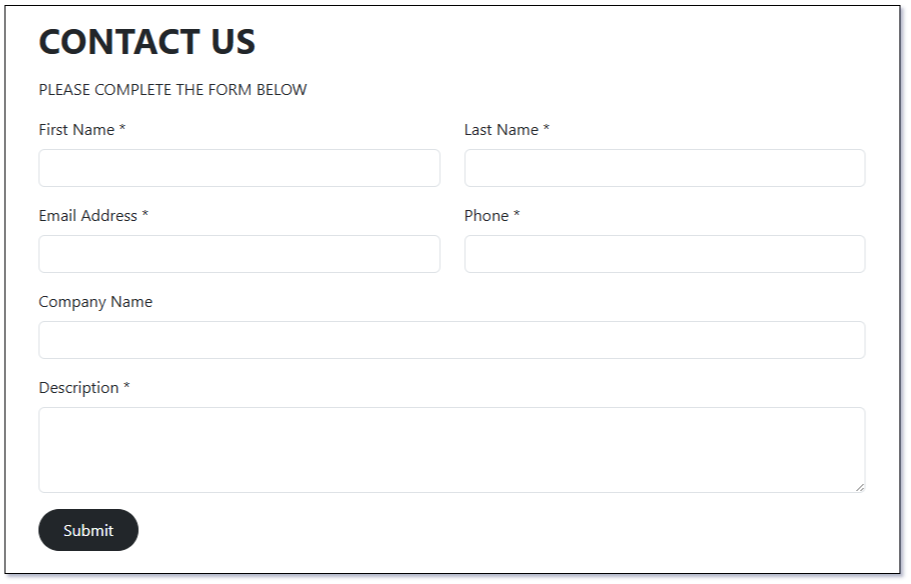
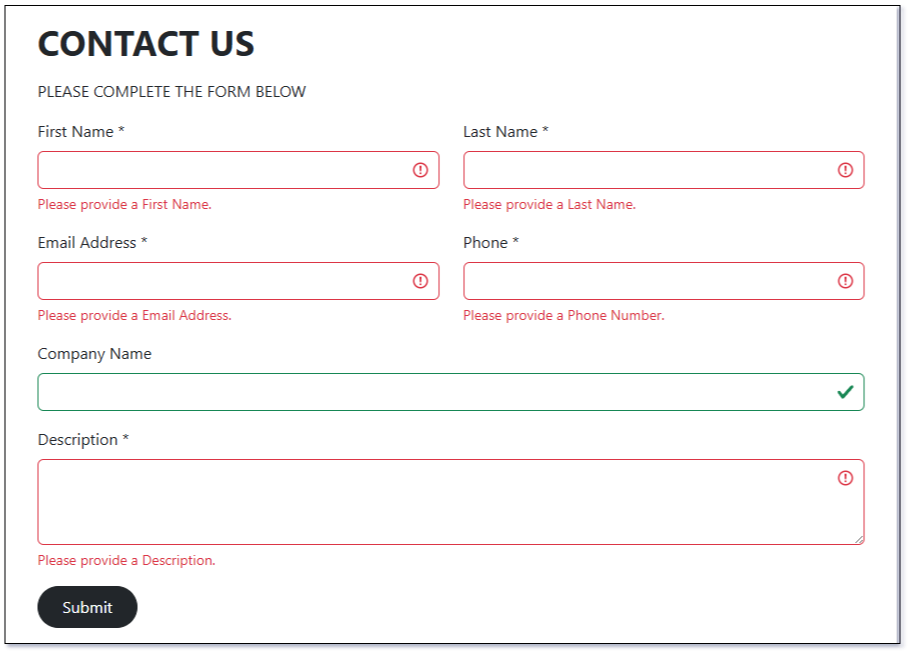
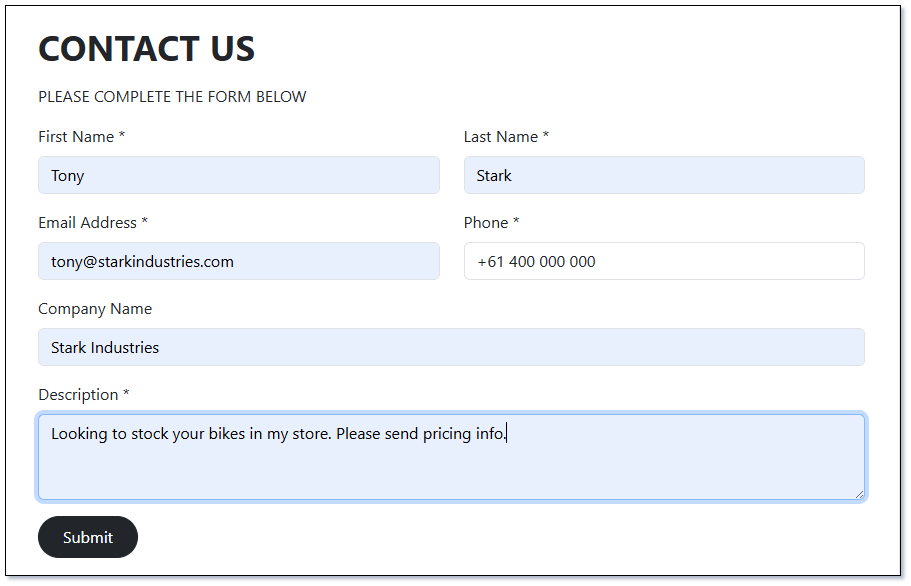
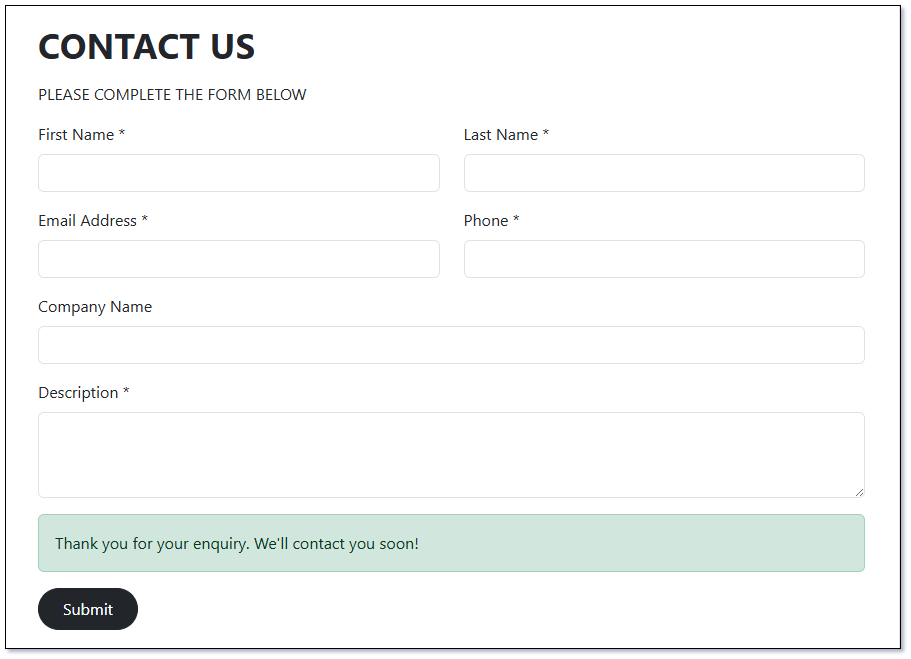
This example demonstrates how to build a styled Web-to-Lead Capture Form using the Bootstrap framework. Compared to the simpler Lead Capture Sample Form, this version provides a more polished appearance and follows a cleaner structure by separating the JavaScript logic from the HTML markup.
<!DOCTYPE html><html><head><title>Web to Lead Boostrap Sample</title><metaname="viewport"content="width=device-width, initial-scale=1"><!-- Jquery from Google CDN --><scriptsrc="https://ajax.googleapis.com/ajax/libs/jquery/3.7.1/jquery.min.js"></script><!-- Bootstrap CDN --><linkhref="https://cdn.jsdelivr.net/npm/bootstrap@5.3.7/dist/css/bootstrap.min.css"rel="stylesheet"integrity="sha384-LN+7fdVzj6u52u30Kp6M/trliBMCMKTyK833zpbD+pXdCLuTusPj697FH4R/5mcr"crossorigin="anonymous"><scriptsrc="https://cdn.jsdelivr.net/npm/bootstrap@5.3.7/dist/js/bootstrap.bundle.min.js"integrity="sha384-ndDqU0Gzau9qJ1lfW4pNLlhNTkCfHzAVBReH9diLvGRem5+R9g2FzA8ZGN954O5Q"crossorigin="anonymous"></script><style>h1{margin-bottom:15px!important;}.contact-section{box-sizing:border-box;max-width:1080px;padding:100px34px;margin:auto;position:relative;z-index:100;}</style><scriptsrc="assets/js/script.js"></script></head><body><divclass="container-fluid p-0"><divclass="body"><divclass="content"><divid="contact-section"class="contact-section"><h1class="fw-bold">CONTACT US</h1><p>PLEASE COMPLETE THE FORM BELOW</p><divclass="contact-form"><formid="form"class="needs-validation"novalidate><divclass="mb-3"><divclass="row"><divclass="col-md-6"><labelfor="first-name"class="form-label">First Name *</label><inputtype="text"class="form-control"name="first-name"requiredmaxlength="30"><divclass="invalid-feedback"> Please provide a First Name.
</div></div><divclass="col-md-6"><labelfor="last-name"class="form-label">Last Name *</label><inputtype="text"class="form-control"name="last-name"requiredmaxlength="30"><divclass="invalid-feedback"> Please provide a Last Name.
</div></div></div></div><divclass="mb-3"><divclass="row"><divclass="col-md-6"><labelfor="email"class="form-label">Email Address *</label><inputtype="email"class="form-control"name="email"required><divclass="invalid-feedback"> Please provide a Email Address.
</div></div><divclass="col-md-6"><labelfor="phone"class="form-label">Phone *</label><inputtype="text"class="form-control"name="phone"requiredmaxlength="30"><divclass="invalid-feedback"> Please provide a Phone Number.
</div></div></div></div><divclass="mb-3"><labelfor="company-name"class="form-label">Company Name</label><inputtype="text"class="form-control"name="company-name"></div><divclass="mb-3"><labelfor="description"class="form-label">Description *</label><textareaclass="form-control"rows="3"name="description"required></textarea><divclass="invalid-feedback"> Please provide a Description.
</div></div><divid="alert-success"class="alert alert-success"role="alert"style="display: none;"> Thank you for your enquiry. We'll contact you soon!
</div><divclass="mb-3 d-flex"><buttontype="button"id="submit"class="btn btn-dark rounded-pill px-4 py-2"> Submit
</button></div></form></div></div></div></div></div></body></html>
Note
Replace the text url: "**YOUR LEAD CAPTURE URL**" on line 34 with the URL value from your Lead Capture Entry Point.
$(document).ready(function(){$("#submit").click(function(){$(this).attr("disabled","disabled");varform=$('#form');varisValid=form.get(0).checkValidity();form.addClass('was-validated');if(!isValid){$(this).attr("disabled",false);return;}// Note to add fields - Modify the Lead Capture API in Mythradonvarfirst_name=$("input[name='first-name']").val();varlast_name=$("input[name='last-name']").val();varemail=$("input[name='email']").val();varcompany_name=$("input[name='company-name']").val();vardescription=$("textarea[name='description']").val();varphone=$("input[name='phone']").val();vardata={firstName:first_name,lastName:last_name,emailAddress:email,accountName:company_name,description:description,phoneNumber:phone};$.ajax({type:'POST',url:"**YOUR LEAD CAPTURE URL**",data:JSON.stringify(data),contentType:'application/json',error:function(e){console.log(e);}}).done(function(data){showAlert();form.removeClass('was-validated');resetForm();$("#submit").removeAttr('disabled');});});functionshowAlert(){$("#alert-success").fadeIn(300);setTimeout(function(){$("#alert-success").fadeOut(300);},5000);}functionresetForm(){$("#form input").val('');$("#form textarea").val('');}});